Start a digital detox by choosing one period when you often scroll without intending to, preparing an easy offline alternative, and trying it for seven days. Specify when, where, and what you need ready. Review what happened rather than beginning with a rule to disconnect all day.
“Use my phone less” does not say what you want the time for. Google's search observations this year describe interest in digital detoxes and offline activities. Your own plan still needs a concrete action, such as a short walk before dinner or ten pages of a paper book.
Choose one trigger you can observe
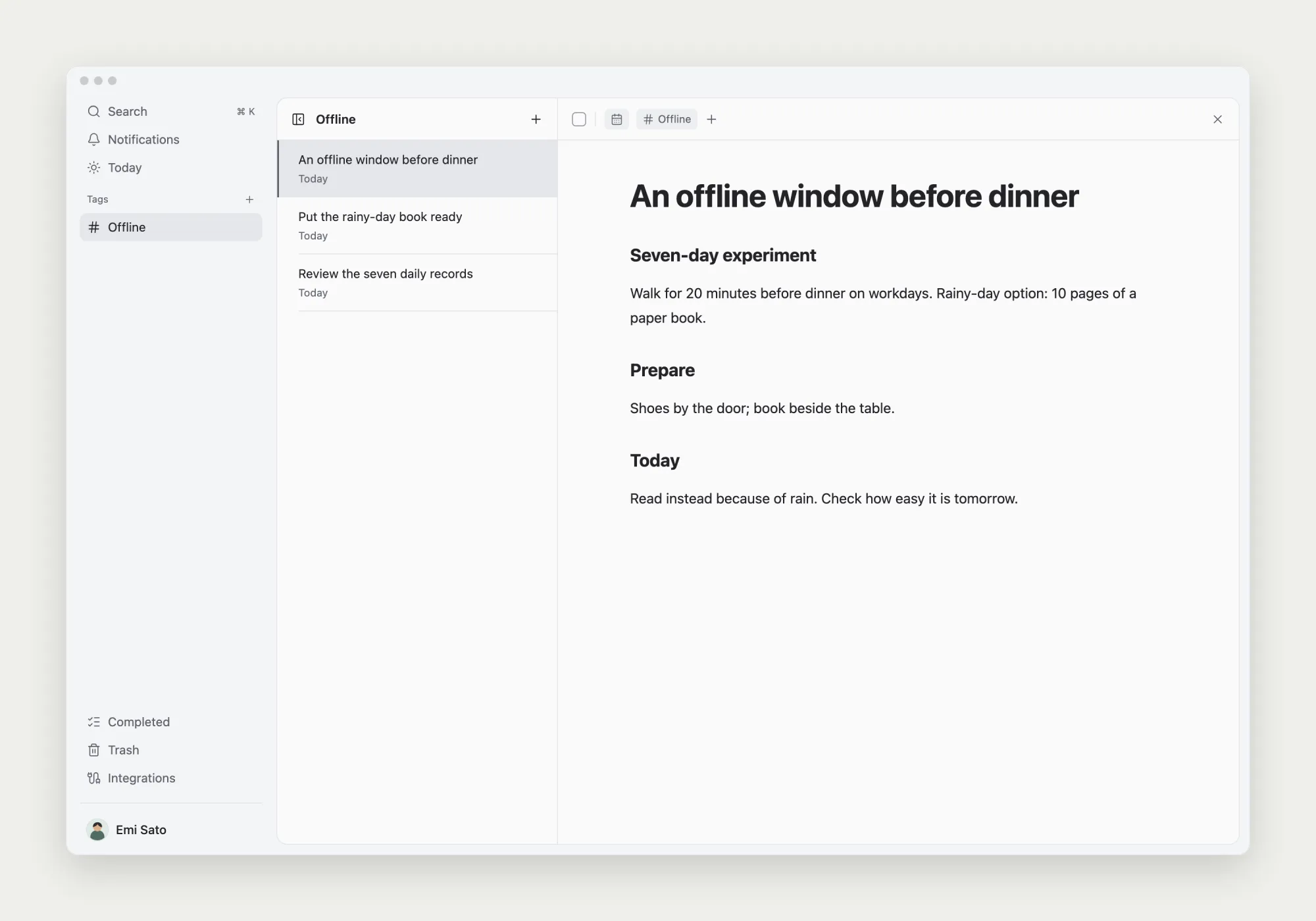
Emi notices that waiting for dinner becomes a long short-video session. She limits the experiment to twenty minutes before dinner on workdays. Important calls remain available, and daytime work communication stays outside the experiment.
Do not start by logging every minute of screen use. Note what triggered this particular session and what you intended to do. A few observations can distinguish tiredness, waiting, and not knowing what to do next. Choose an alternative that fits that situation.
Prepare an activity that is easy to begin
Emi chooses a short walk, with ten pages of reading as the rainy-day option. Shoes stay near the door and the book near the table. She does not need another phone search to decide what to do. A task is a prompt she can act on, not a rule that removes her choice.
| Situation | Response | Record to keep |
|---|---|---|
| Scrolling while waiting | Prepare a short alternative | Trigger and actual choice |
| Weather prevents going outside | Use an indoor fallback | Whether it was easy to start |
| The activity did not happen | Record the obstacle and adjust | Actual reason and smaller option |
Leave one sentence about the result
Her daily note says, “Rain: read ten pages instead; did not reopen video.” On a late evening she records that she rested instead. The point is to learn which arrangements work, not turn every evening into a performance assessment.
A template you can copy
Seven-day start and end dates:
One scrolling period to change:
Usual trigger:

Offline activity to make room for:
Start time and place:
Items to prepare:
Indoor or low-energy fallback:
Important contact to keep available:

One sentence on each day's result:
Reason when it did not happen:
Arrangement easiest to start:
What to keep next week:
What to reduce or remove:Adjust after seven days
In TodoNote, schedule the offline activity by date. If a stable repeat is useful, recurring tasks support daily, weekdays, or one chosen weekday each week. Each occurrence can keep its own note, so the weekend review reflects what actually happened.
TodoNote helps plan and review the experiment; it does not block apps or automatically measure screen time. Once the activity is arranged, leave the screen and do it. If twenty minutes is too much, try ten. If a time is consistently impractical, move it rather than adding more reminders.
See the tasks and subtasks guide for the controls, and Recurring tasks: reuse the checklist, keep a separate record of each run for the next step.
Background reading: original source.