Before handing Figma designs to developers, check the happy path, waiting states, error recovery, and whether the recipient can open the relevant files and assets. Give each important state a trigger and an expected result that someone can test.
Walk through one real interaction
Start by entering a valid email, submitting the form, waiting for the response, and reaching confirmation. On a slow connection, the submit control should show that the request is pending and prevent repeated submissions.
Try an empty field, an invalid address, an already registered email, and a network timeout. Describe the response and recovery path for each one, including what happens to the value the person already entered.
Give development a stable starting point
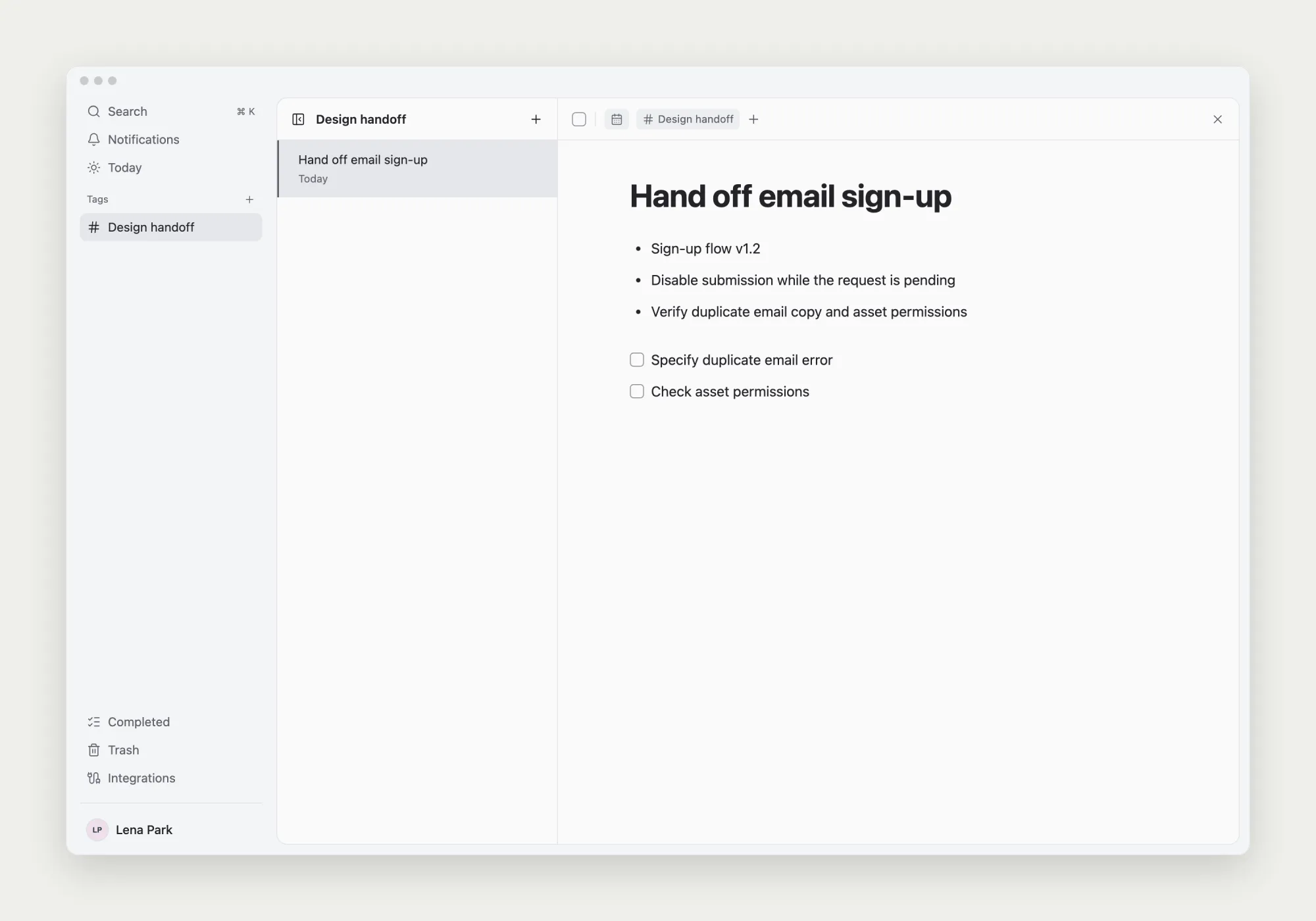
Record that the handoff covers sign-up v1.2, with direct links to the relevant frames, components, and final copy. Check permissions from the recipient's perspective, including permissions to access or export the assets they need.
In TodoNote, keep the scope and expected behavior in a handoff note. Give “Specify duplicate email error” and “Check asset permissions” their own subtasks so they remain visible until resolved.
Write an acceptance check a teammate can run
For example, submit a registered address. The input should remain visible, the field should show an error, and changing the address should allow another submission. Try the same sequence with a keyboard and check where focus lands.
When a behavior is undecided, record who will resolve it and by when. Update the design and the handoff record with the same decision.
Figma's guide to preparing design files for development
Copyable Figma design handoff checklist
Scope and version:
Figma file and direct frame links:
Happy path and success state:
Loading, waiting, and disabled controls:
Empty state, validation, and network errors:
Final copy, assets, components, and access:
Open decision, owner, and due date:
Acceptance steps and expected results:Related workflow · When is a task done? Write completion criteria that prevent avoidable rework