When you forget a note's title, start with facts you remember. Narrow the list by person, client, or project, look around the likely month, then open a few candidates and check their decisions against the original source.
“The quote we changed in spring” contains three clues: the client, the period, and a change. Test each clue where it is most likely to appear.
Use a clue that will show up in the list
You remember Juniper Studio and a change to the quote in spring. Start with the client, then look for tasks worked on between March and May.
A note may have been edited months after the work happened. Use the displayed date to find candidates, then read the note for the actual date.
Check two details before trusting the match
In TodoNote, open the Juniper Studio tag to see related tasks, or search using clues from task titles, paths, and tags. Look in completed tasks for finished work.
| Clue | How to use it |
|---|---|
| Juniper Studio | Narrow to the client |
| Spring | Look around March to May |
| Quote changed | Check the exact change and the confirmation message |
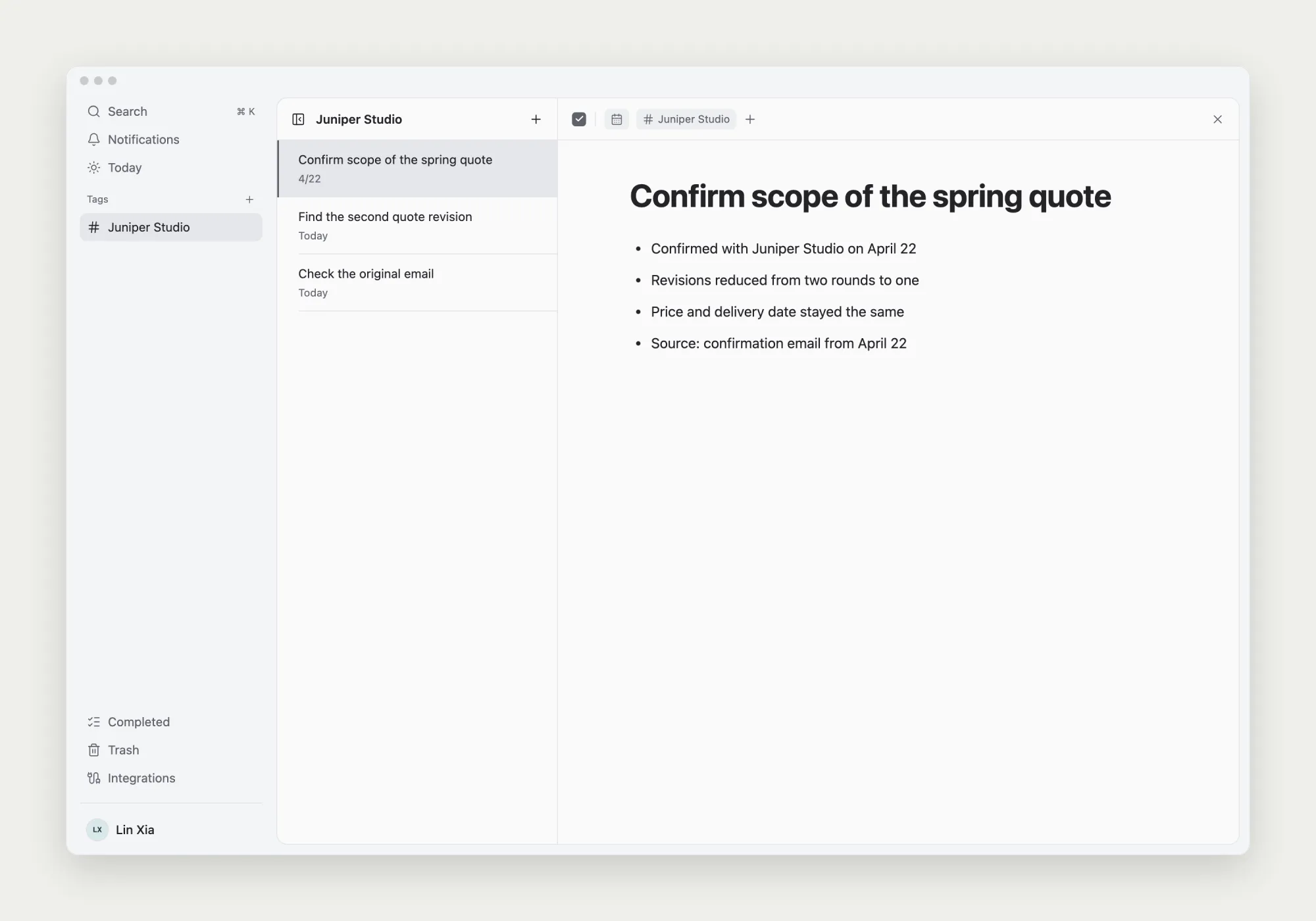
The April 22 record says revisions went from two rounds to one while the price stayed the same. The confirmation email from that day verifies that the quote's scope changed, with the amount intact.
Change your search entry point
If there is no client tag, try the project name, the deliverable, or the parent task. A related conversation may contain a quote filename or meeting date that gives you a better clue.
When two candidates disagree, check which decision each refers to and whether you have a message that confirms it. Keep their different dates or scopes visible in the notes.
Leave a clue you will remember next time
Add the client or project tag after you find the note. Keep the action and object in the title, and put the actual date and decision near the top of the note.
Related reading · How to organize note tags when names and hierarchies get messy