For every proposal you send, keep the version, sent date, question the client still needs to answer, and date of your next follow-up. Write the next action as a separate dated task. If the client answers only part of the proposal, update the open question and keep the sent version.
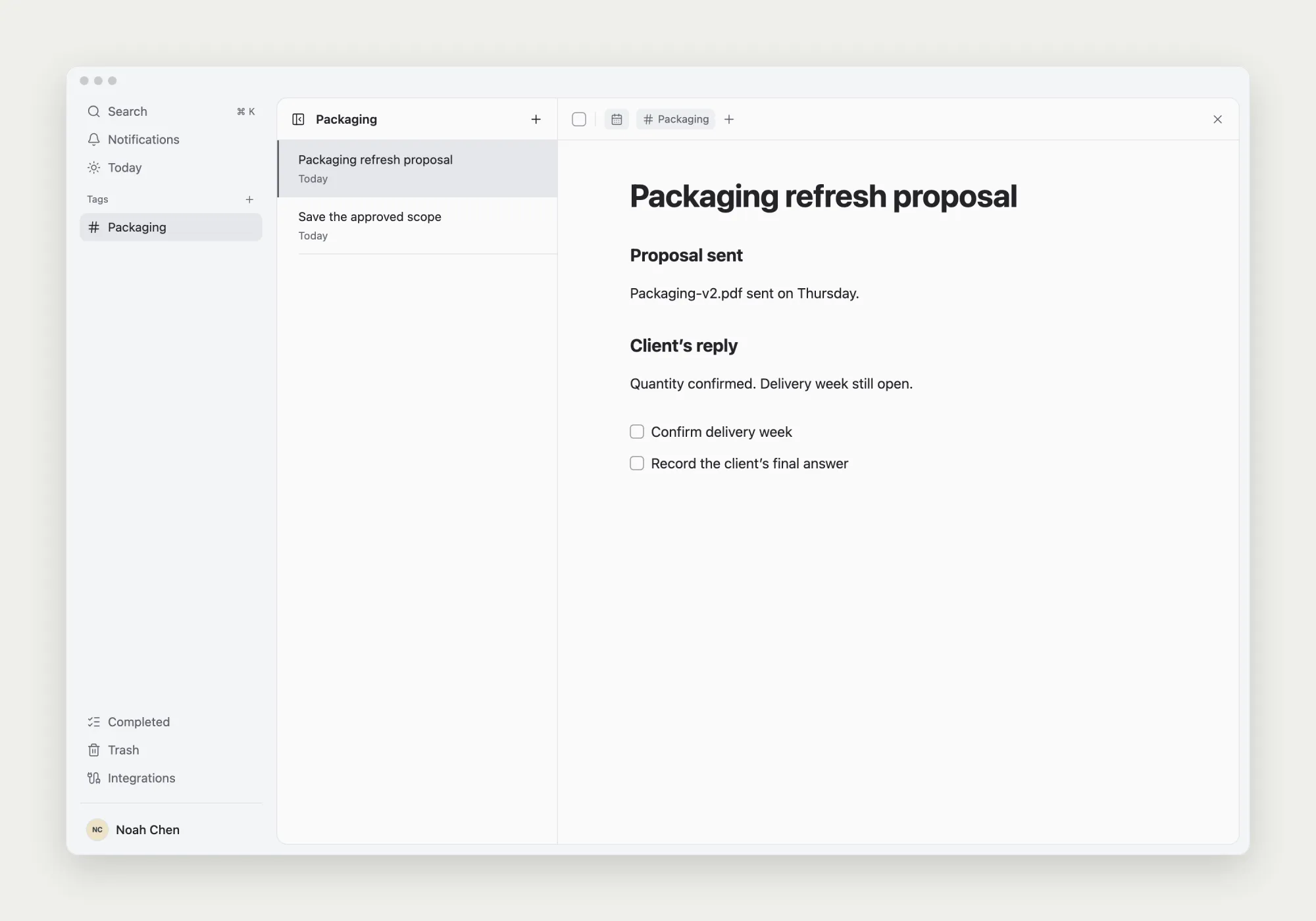
Noah sends a proposal for a packaging refresh on Thursday. The client confirms the number of designs but leaves the delivery window open. His next message only needs to settle that one point.
Set up a follow-up you can act on
Save the exact proposal or the link to its sent version. If the client named a day to respond, use that promise to decide when to check next. Otherwise choose a practical date based on your own planning and the delivery window you discussed.
Name the follow-up after the missing answer. “Confirm delivery week” gives you a concrete question to ask. You can keep any future revision in the same proposal note with its own version and sent date.
Handle a partial answer without losing the record
| Field | Example |
|---|---|
| Proposal version | Packaging-v2.pdf |
| Sent date | Thursday |
| Open question | Quantity confirmed, delivery week open |
| Next follow-up | Monday: ask which week works |
Copy the four fields into your next proposal task
Create a TodoNote task for the proposal and paste the template in its note. Add a follow-up subtask and give it a start date. If there is a real deadline, set it separately and choose a reminder if you need one.
When a reply comes in, move the answered point into your record of decisions. Update the question and date of the next follow-up. Once the decision is settled, record the resolution and complete the follow-up.
Proposal and version:
Sent on:
Open question:
Next follow-up date and action:Try the template on a proposal already out with a client. Start with the unanswered question that affects whether you can begin work.
Use a waiting-for list to remember what to follow up
References · Create tasks and subtasks · Set due reminders and receive notifications