Give the source record two tags: one for the supplier and one for the project. The supplier tag answers what you bought from them before. The project tag shows which quote the current job used. Both routes lead to one note.
Start with two ways you actually look things up
North Shore Print makes 60 booklets for the November workshop and signs for December's open day. You want both jobs when looking up the supplier. For the workshop, you want the booklet quote and the internal quantity check.
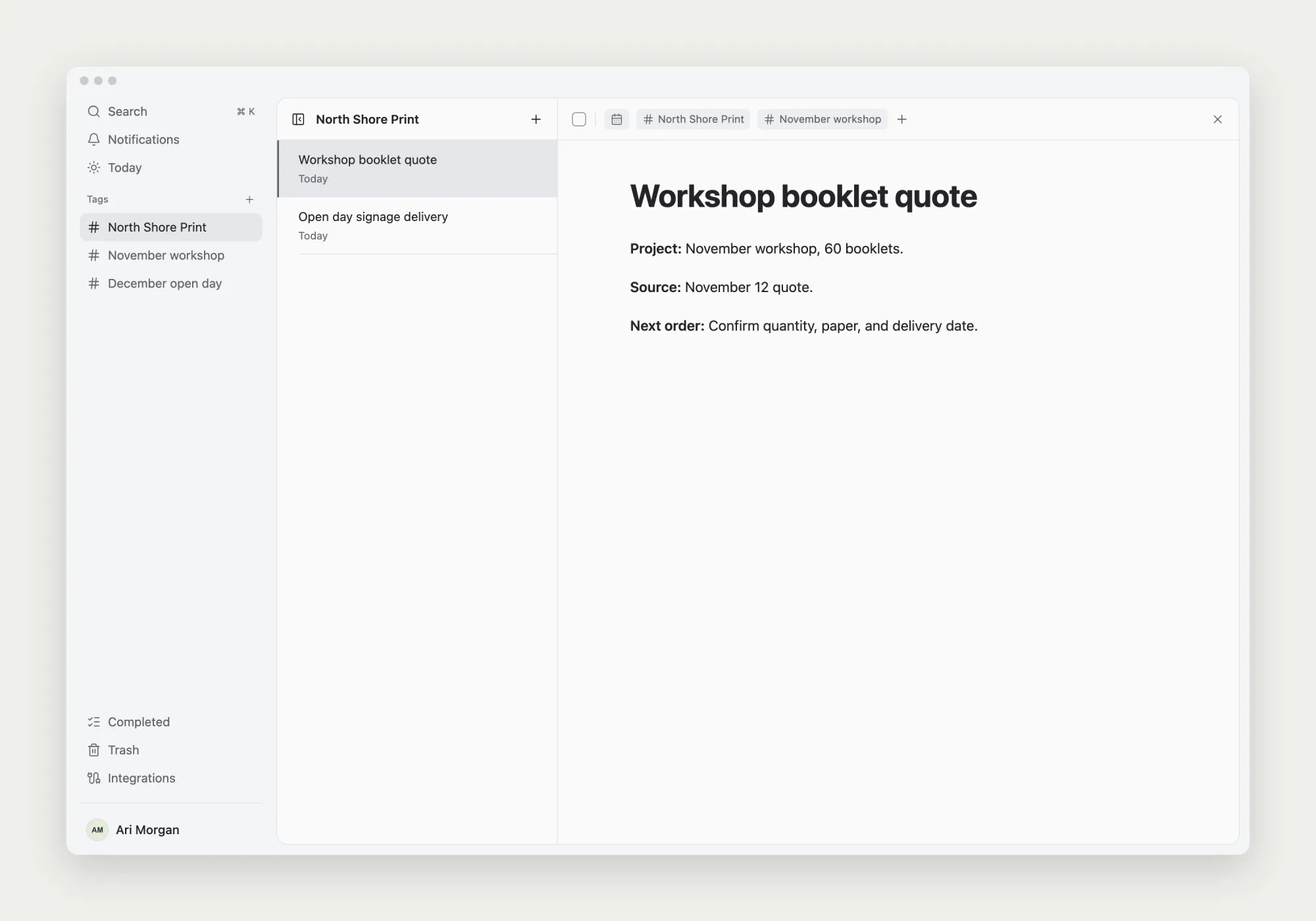
In TodoNote, create North Shore Print, November workshop, and December open day tags. Give the quote the supplier and workshop tags. Give the signage delivery the supplier and open-day tags. The internal quantity check only needs the workshop tag.
Keep quote details with the work they belong to
Name the quote task Workshop booklet quote. Record quantity, paper, quote date, and a link to the source. Put the actual delivery date and any discrepancies in the delivery task.
Keep an old quote for reference. When the next order is confirmed, create a new task and link back to it. The price and terms for each order stay recoverable.
Test both ways of finding the note
Open North Shore Print and check that you can see both jobs. Open November workshop and check that the quote appears alongside the internal quantity check.
If you have to open a string of notes to identify the quote, add the project or date to the title. Stick to one supplier tag even if the vendor is known by an abbreviation.
Save what you will need for the next order
A quote needs dates, specifications, quantity, the source, and any open questions. A delivery needs the actual date and anything that arrived differently from what was agreed.
Copy the fields for one purchase or delivery. Give payment and approval their own tasks if they need separate dates.
Supplier and project:
Purchase or delivery:
Specifications and quantity:
Quote or confirmation date:
Source reference:
Outcome or open question:Related guide · How to organize note tags when names and hierarchies get messy