Document the tools, file locations, configuration sources, access requirements and checks needed to resume work. Follow the instructions on a spare device or separate test environment and repair gaps. Keep the original environment and files until the new setup is verified.
Knowing which applications you installed is different from recovering the work. One missing font, browser-only link or unexplained export preset can interrupt delivery.
Start with tomorrow’s actual output
REBUILD-01 aims to resume content production. The current project, writing tools, fonts and export settings come first. Applications unrelated to the immediate work can wait.
Replace “install the editor” with “open the sample and export the expected file.” A successful installation does not establish that materials, permissions and settings are available.
| Category | Record | Validation |
|---|---|---|
| Materials | Project location and sync status | Open the named sample |
| Tools and settings | Official source, version needs, preset location | Perform a representative operation |
| Access | Account and password-manager entry location | Sign in normally and access required material |
Installation may not restore the data
For example, Mozilla documents Firefox personal data separately from the program. Follow each tool’s official recovery guidance instead of assuming reinstallation restores everything.
Record where credentials are managed, not passwords, tokens or recovery codes. For restricted resources, identify the normal access process.
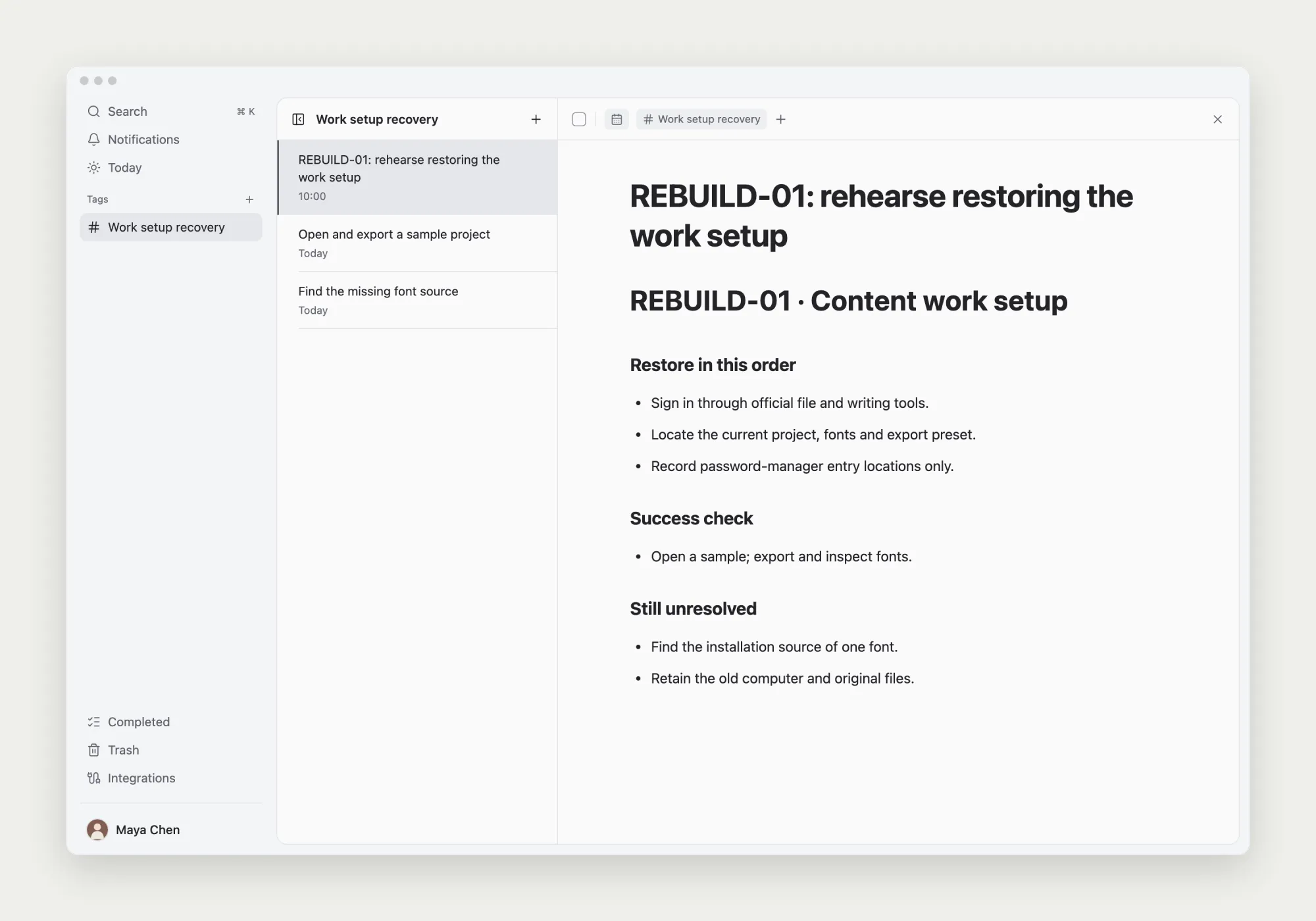
Rehearse a real piece of work
Open the sample on the spare environment, export it and inspect fonts, images and content. Each time you return to the old computer for a missing item, add its location or source to the instructions.
One font source is unresolved in this example, so export validation remains open. Track that gap as a separate TodoNote task while the recovery note retains sequence and results.
Define when recovery is complete
You should be able to find the right material, access tools normally and produce an editable or deliverable result. Record remaining gaps and their effects explicitly.
Update the relevant entries when tools, directories or accounts change. The next move should follow usable recovery instructions rather than an old software inventory.
Related practice: How to Write an SOP from Work You Have Already Done