Before switching task managers, move ten representative tasks into an empty destination list. Check dates, recurrence, subtasks, notes, and completion status against the source. Once the sample still supports your daily work, expand to the full migration.
Keep a source export or snapshot and record the original locations of the samples. Matching task counts will miss details such as a parent relationship that became a plain label.
Pick ten records that cover the edges
Choose two ordinary tasks, one with a deadline and one with both a start date and a deadline. Add two recurring tasks, one parent with subtasks, one task with multiple tags, one long note, and three completed tasks. Include an attachment in one of the completed records.
Give each sample an ID from A-01 to A-10 in your audit sheet so you can match it even when several tasks share a title.
Exercise the workflow in the new app
Move the samples using the method you will actually use. Review the field mapping for a file import. If the target app lacks your import format, rebuild the ten samples manually to evaluate the cost and what can be preserved.
| Samples | What to test | Pass condition |
|---|---|---|
| A-01 to A-02 | Open date details | Start and deadline retain their meaning |
| A-03 to A-04 | Compare rule and next dates | Recurrence matches the intended schedule |
| A-05 to A-07 | Open the parent, find tags, read the full note | Structure and content are usable |
| A-08 to A-10 | Find completed work and open its attachment | Correct status and working access |
For example, Todoist documents limitations on completed tasks and recurrence start dates in project CSV exports. Inspect the exported file itself to see whether a field was dropped before import.
Give important fields a destination
When a required field does not transfer, find an equivalent location and retest the same sample. Keep historical material in a searchable archive with source links if the new workflow only needs to read it occasionally.
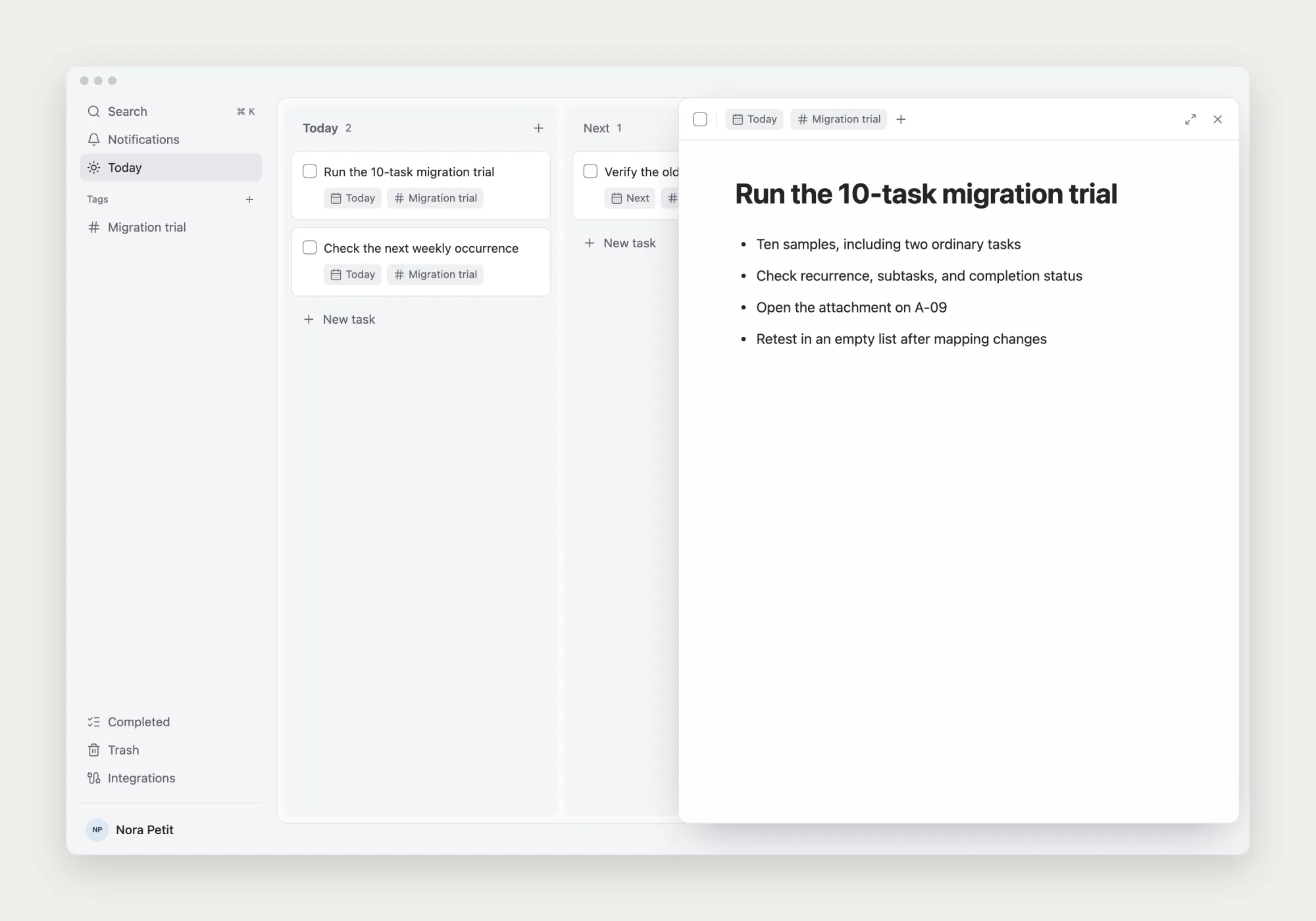
In TodoNote, track the migration trial as a task, with notes for each discrepancy and subtasks for the checks you still owe. Try doing next week's planning from the result.
Set a cutover after the trial passes
Pick a time to stop adding work in the old app. After the full move, spot-check key fields by project, then find your sample IDs and reopen their attachments. Retain the export and read access to the old workspace through the verification.
Technical reference · Todoist CSV
Related reading · Task and notes apps: compare five real work scenarios before you choose